Licence-Managed Digital Signage

Turn any x86 player into a managed signage fleet.

FlowCast is a Debian-based kiosk operating system with a cloud console. Flash the image, scan the QR, activate the licence — and your whole fleet reports home with status, updates and audit.

Runs on generic x86 media players and mini-PCs — UEFI or legacy BIOS — with 1 to 4 HDMI/DP outputs.
FlowCast activation setup screen on a signage device
Activation Screen · HDMI 1 · 1920×1080
Ed25519 signed updates
Fully offline after activation
1–4 outputs per device
A/B slots with auto-rollback
The Platform

One image. Every x86 player.

Three pieces ship together — an operating system, an on-device agent, and the cloud they report to.

Kiosk OS

Debian 12 delivered as a single SD-card image — hybrid GPT/MBR boot, read-only root, A/B update slots and a growing data partition.

Device Agent

A Go agent handles licence activation, hardware checks, heartbeats, OTA updates and the local admin web UI on every player.

Cloud Console

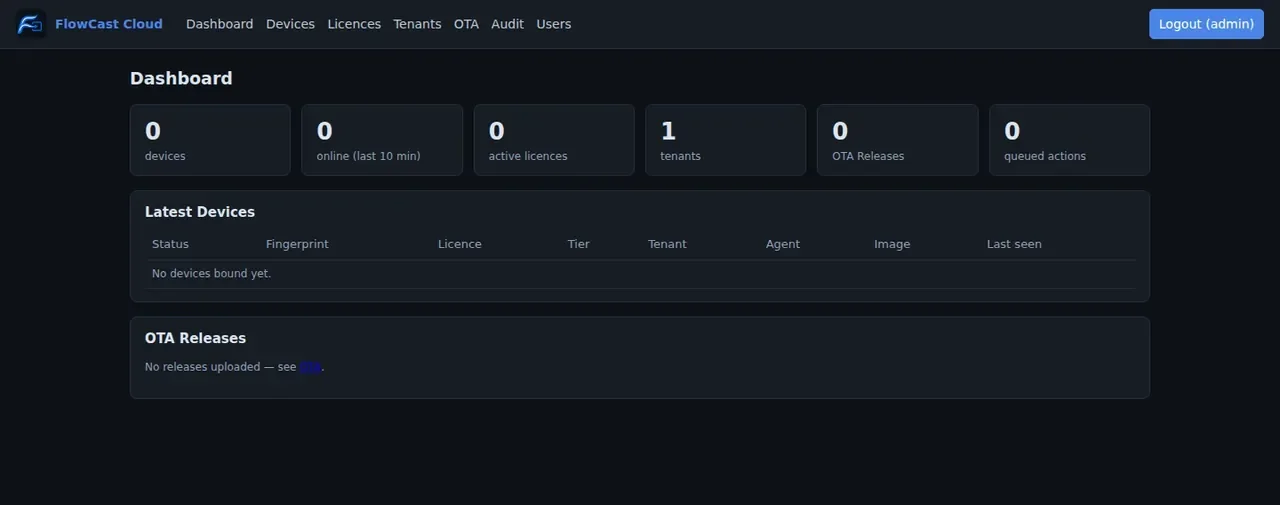
Devices, licences, tenants, image downloads, OTA releases and audit — one console, mobile-friendly, for the whole fleet.

How It Works

Flash. Activate. Manage.

01

Flash

Write the FlowCast image to an SD card and boot any x86 player. A 13-point hardware check gates the first boot — only a verified player proceeds.

02

Activate

The setup screen shows an activation QR. Scan it — the device verifies its licence against a baked-in public key, entirely offline.

03

Manage

The player appears in your tenant in the cloud console — outputs, network, updates, audit. Installers grab signed SD images from the downloads page.

Features

Built for fleets, not just single screens.

Offline Licences

Verified on-device against a baked-in public key. Activate once, run forever — no network check, no grace countdown, no blank screens.

Signed OTA Updates

Update bundles are Ed25519-signed and verified by the device. They install into the spare slot and roll back automatically on failure.

Multi-Output Control

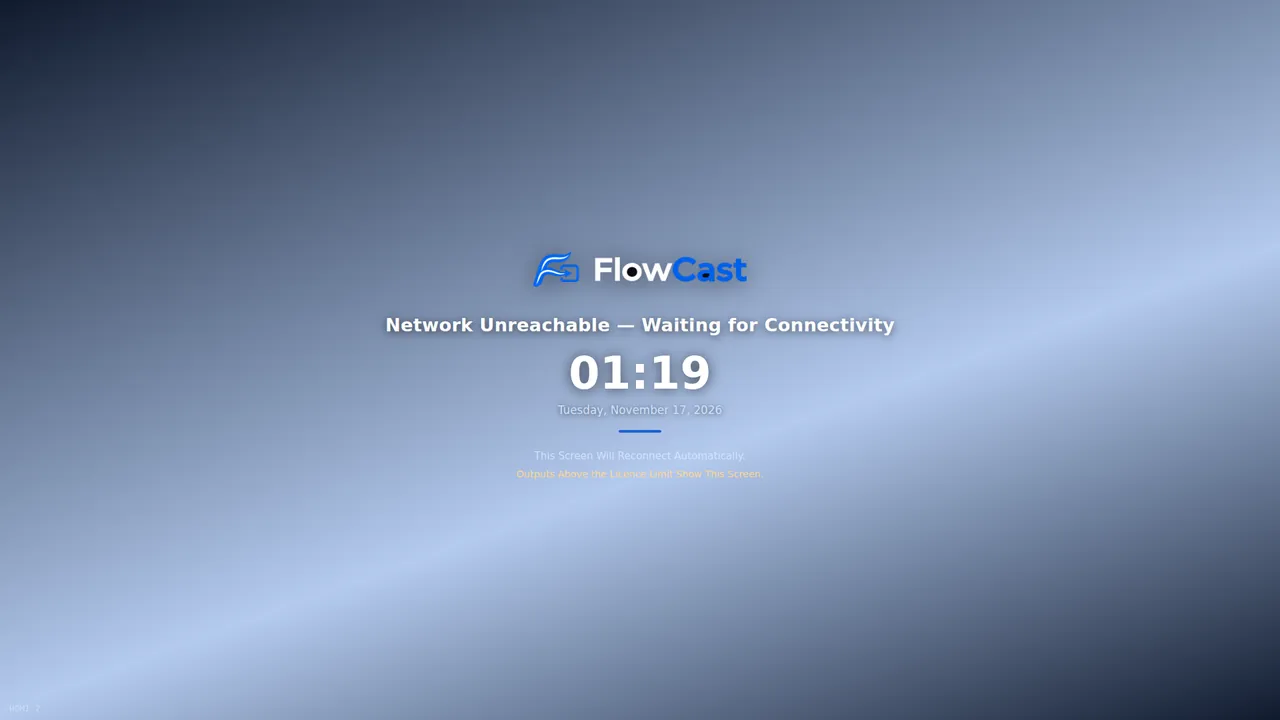
Drive 1 to 4 HDMI/DP outputs on a single player. Outputs beyond the licence cap show a clean branded notice screen — never garbage.

Zero-Touch Setup

First boot shows a QR-coded activation screen with the installer's admin password. Scan, activate, hand over — in under a minute.

Clone Protection

Each device binds to its fingerprint — board serial, MAC, CPU. Cloned drives simply fail activation while the original keeps running.

Image Downloads

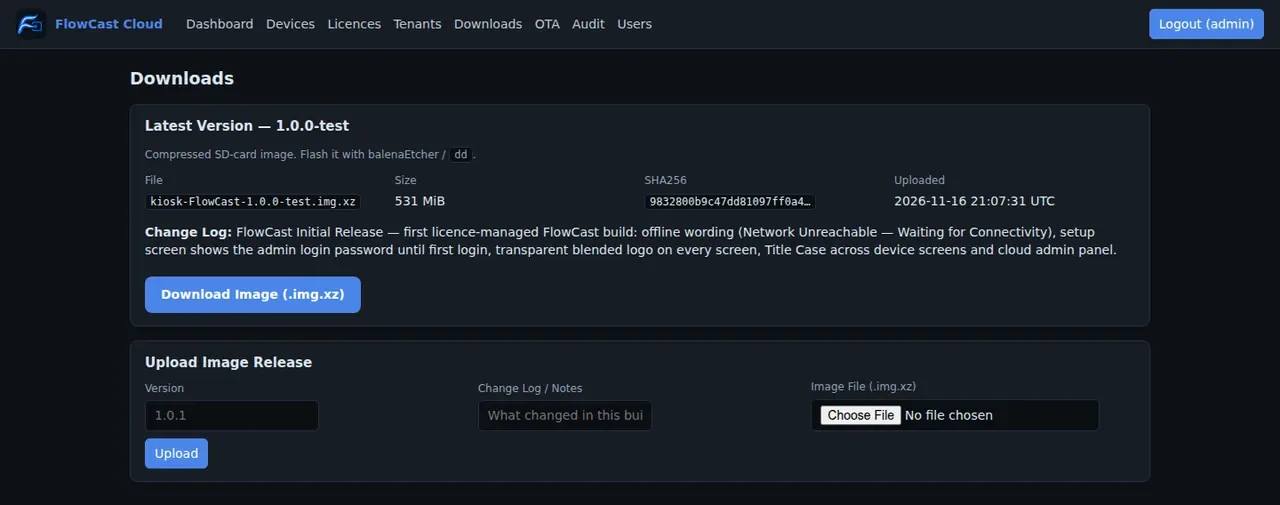
Signed SD-card releases with version history and change logs, served from the console to installers — the latest build always on top.

Local Device Admin

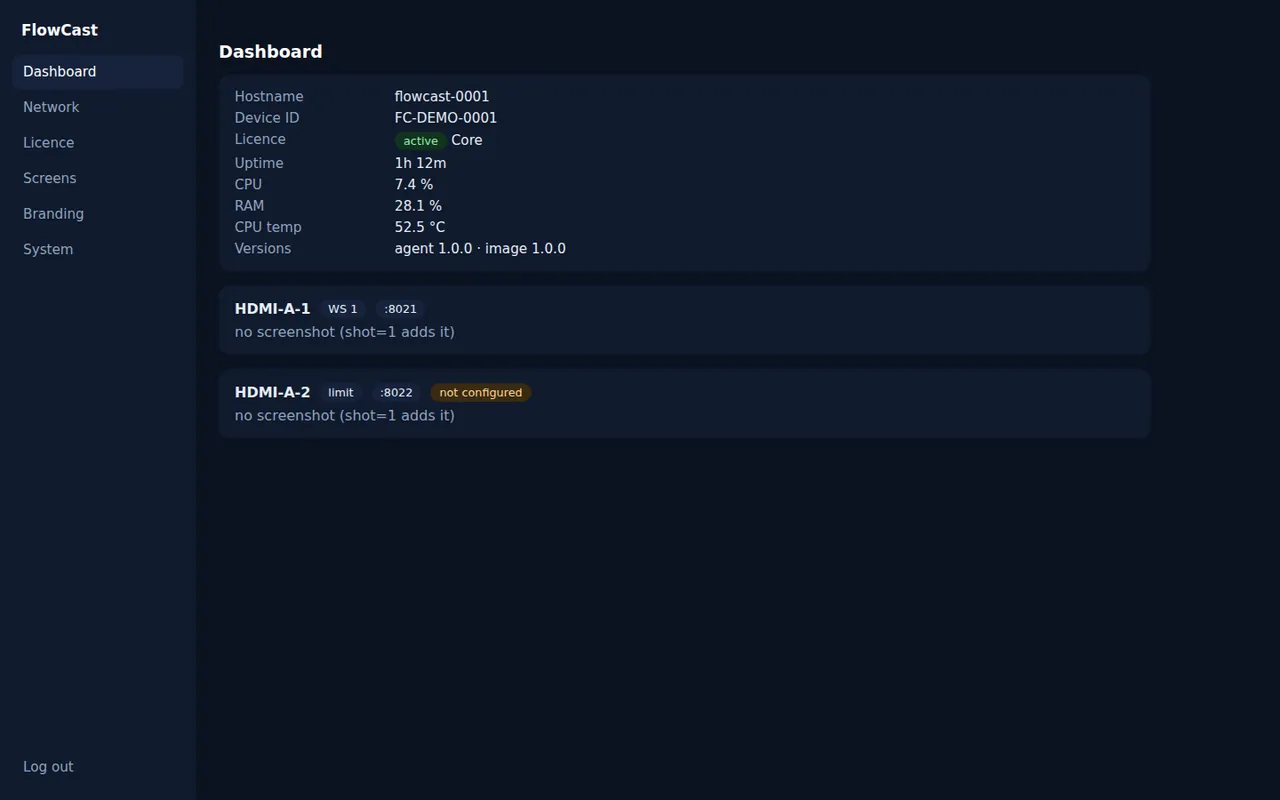
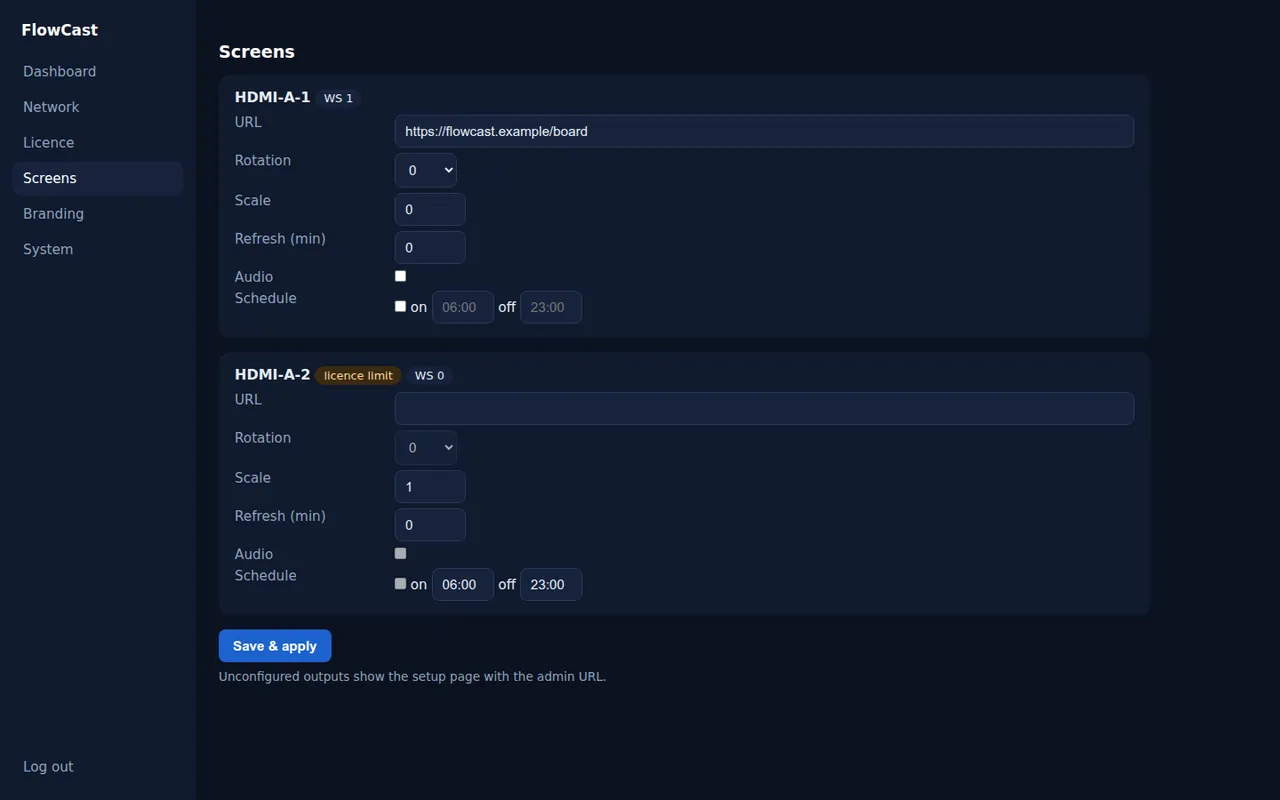
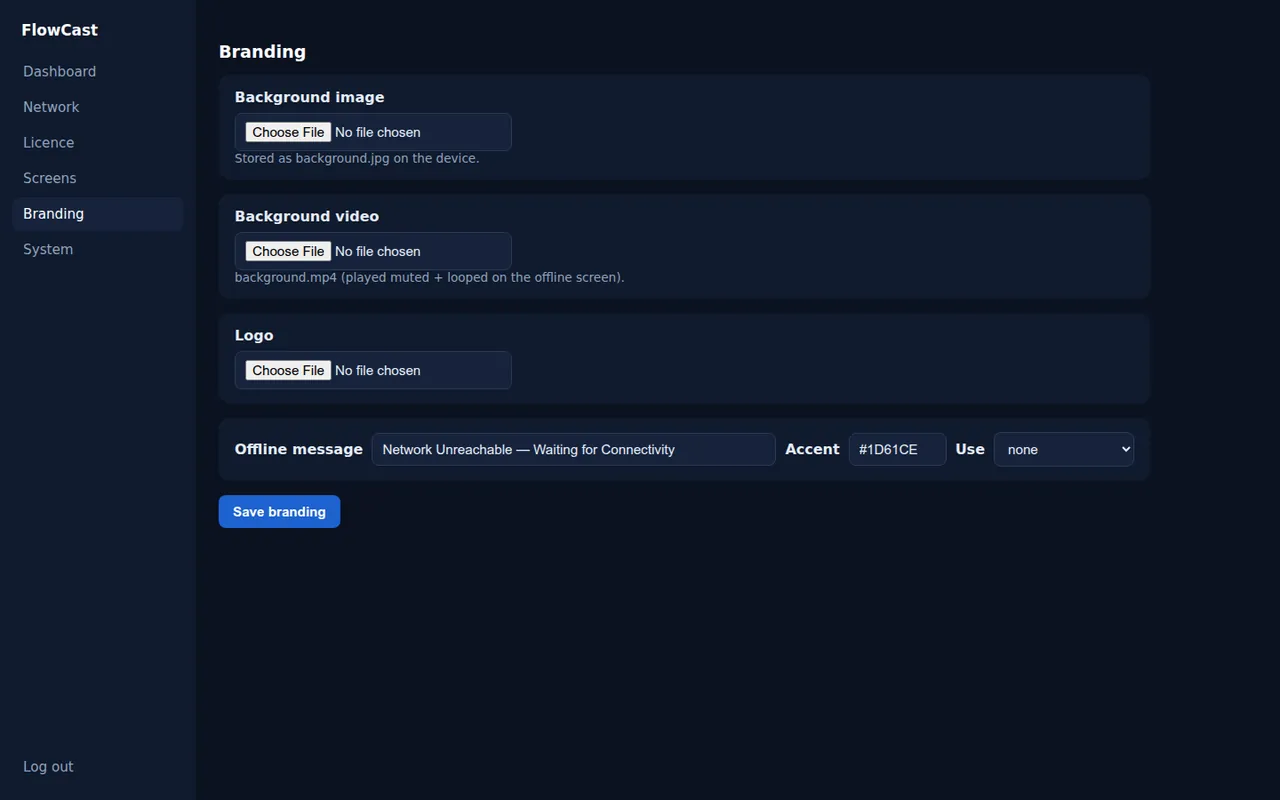
Every player runs its own web interface — dashboard, network, licence, screens, branding and system status, right on the LAN.

Tenant Fleets

Multi-tenant device groups with a signed audit trail and role-gated sign-in — every console action leaves a record.
The Screens

What your screens actually see.

Real captures from FlowCast — the device setup flow, the on-device admin UI, and the cloud console.

Device Screens — First Boot & Output States

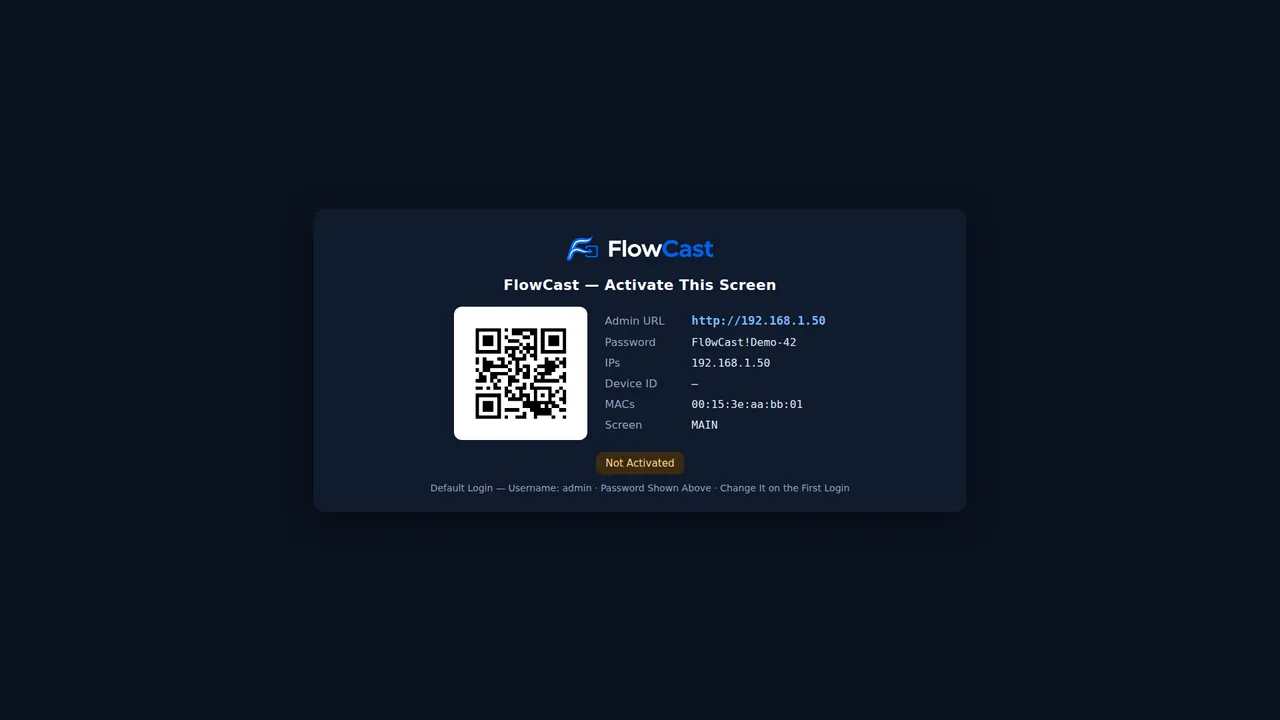
FlowCast activation setup screen
Activation Setup — QR + installer password
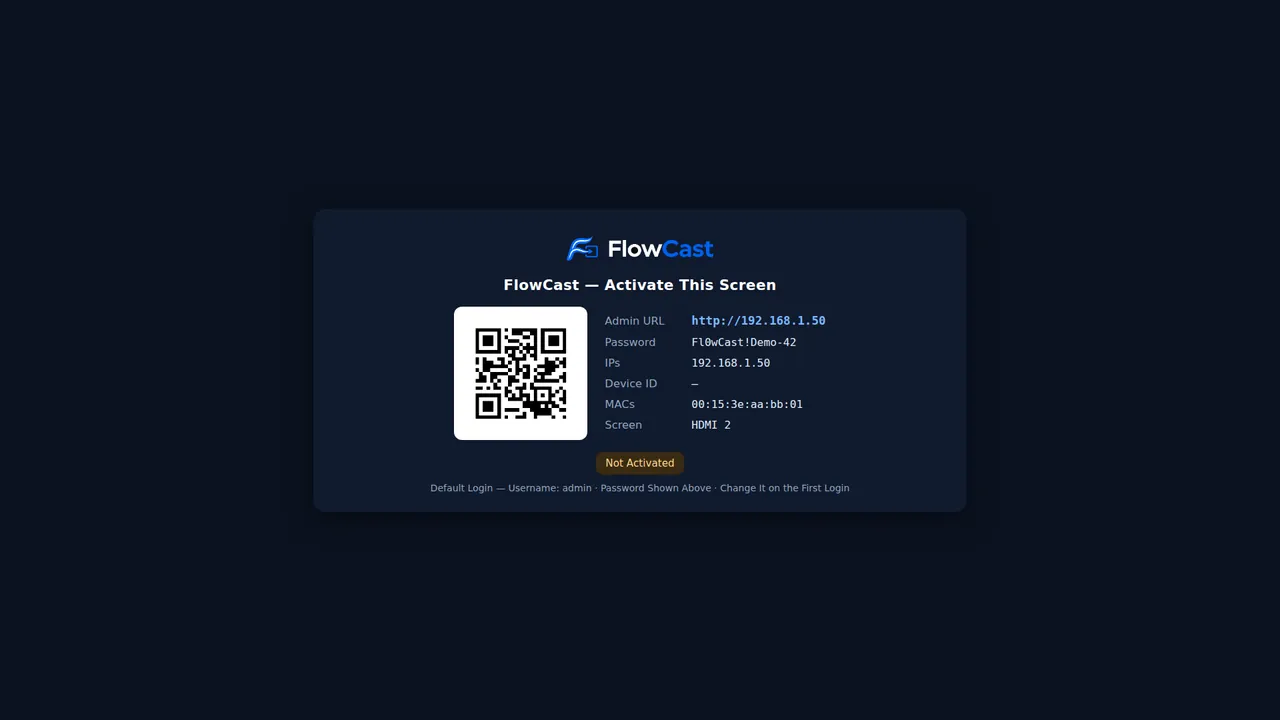
FlowCast setup screen on a second HDMI output
Second Output — Setup On HDMI 2
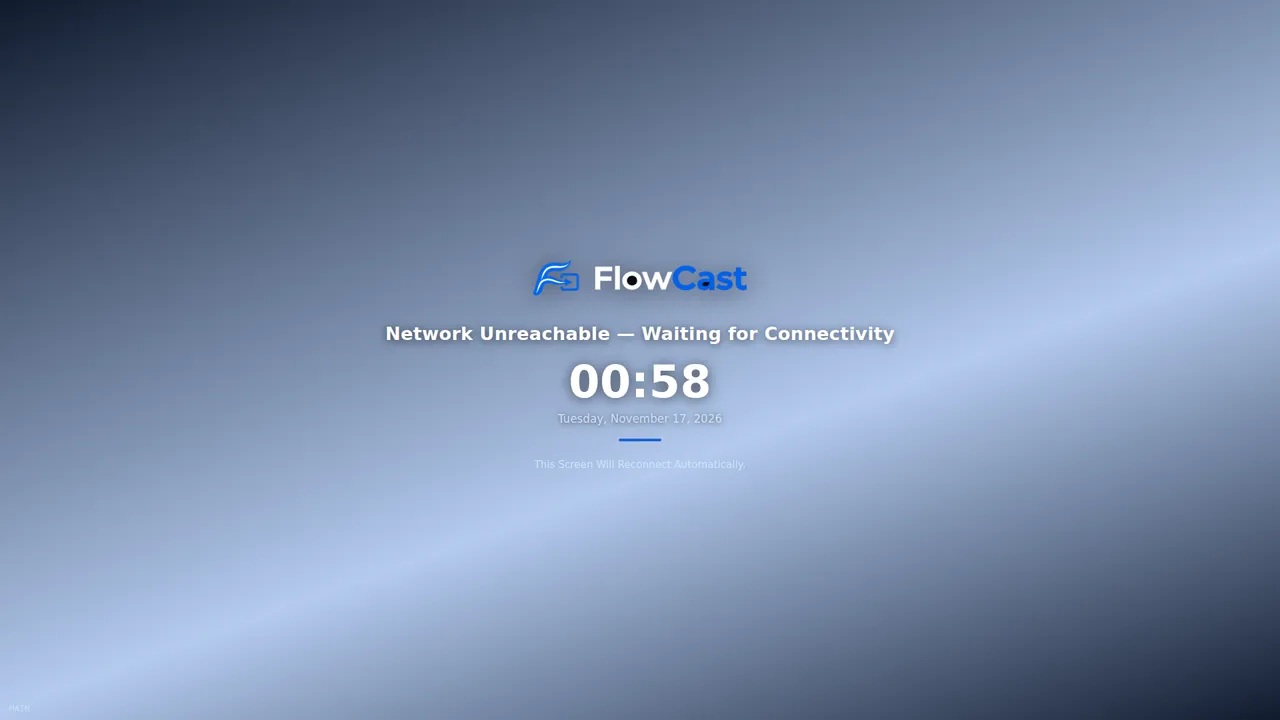
FlowCast offline screen
Network Unreachable — Waiting for Connectivity
FlowCast notice screen beyond licence output limit
Output Beyond The Licence Limit — Clear Notice

On-Device Admin — Every Player Has Its Own UI

FlowCast on-device dashboard
Device Dashboard
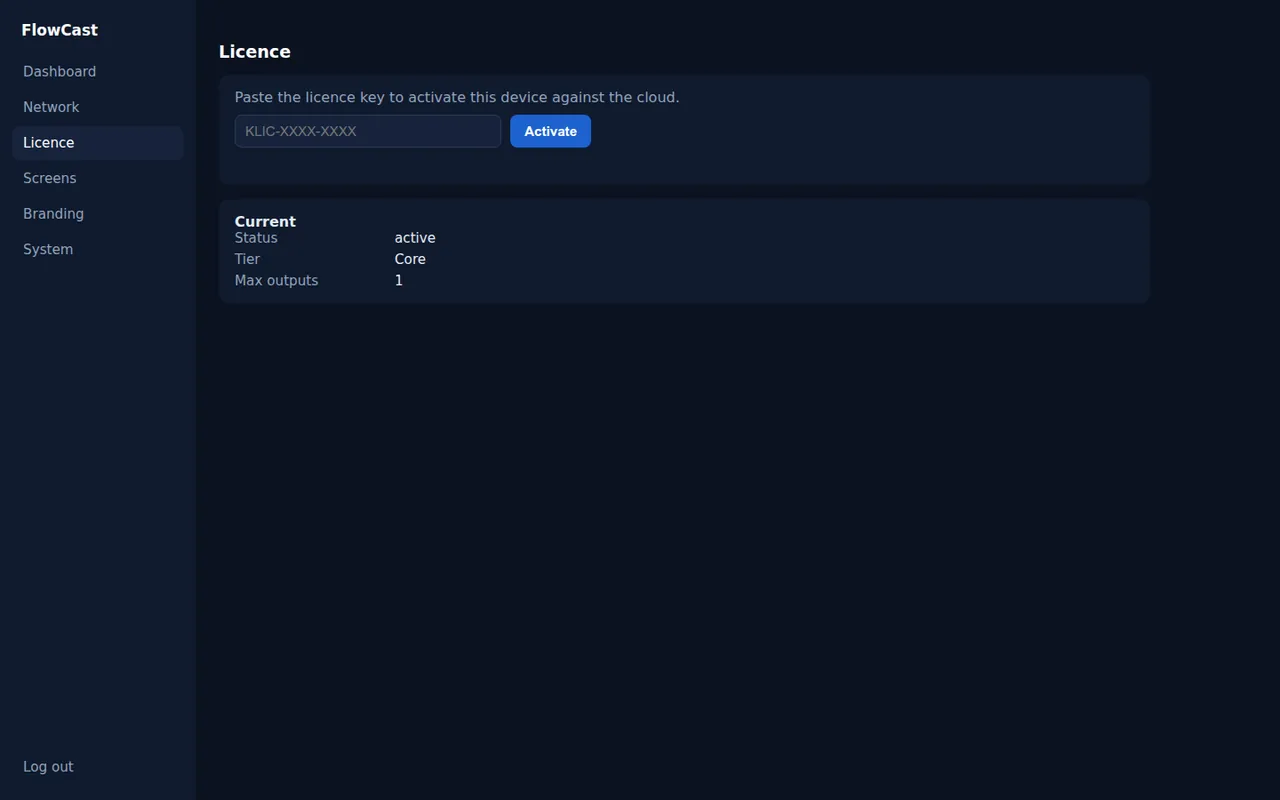
FlowCast on-device licence activation page
Licence Activation
FlowCast on-device screens page for dual HDMI outputs
Screens — Dual HDMI
FlowCast on-device branding page
Branding

Cloud Console — Fleet Management

FlowCast cloud console dashboard
Console Dashboard
FlowCast cloud console downloads page with image version history
Image Downloads — Latest + Version History
Licence Model

Licences that never blank your screens.

Every licence is verified by the device itself against a baked-in public key — once activated, the network is optional.

Lifetime Licence

The default edition. It never expires — the player verifies it entirely offline, on every boot, for the life of the device.

Expiring Editions

Agreement-defined editions with a validity window, judged by the device's own clock. No grace countdown — screens never blank on a deadline.

The honest part: licence revocation reaches a device only while it is connected — an offline player runs on. Updates signed and delivered over the network flow one way: always verified, always rollback-safe.

Ready to run your fleet?

Deploy the image, hand out activations, and manage everything from one console.

Open The Cloud Console